
Stop Fighting Your Oven: Fixing Heat Fluctuations in Rotary Blow Molding
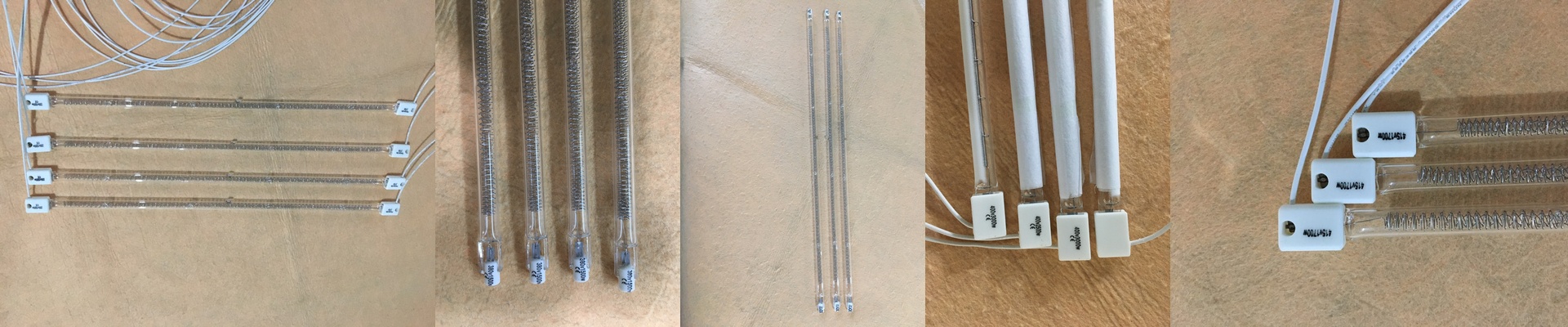
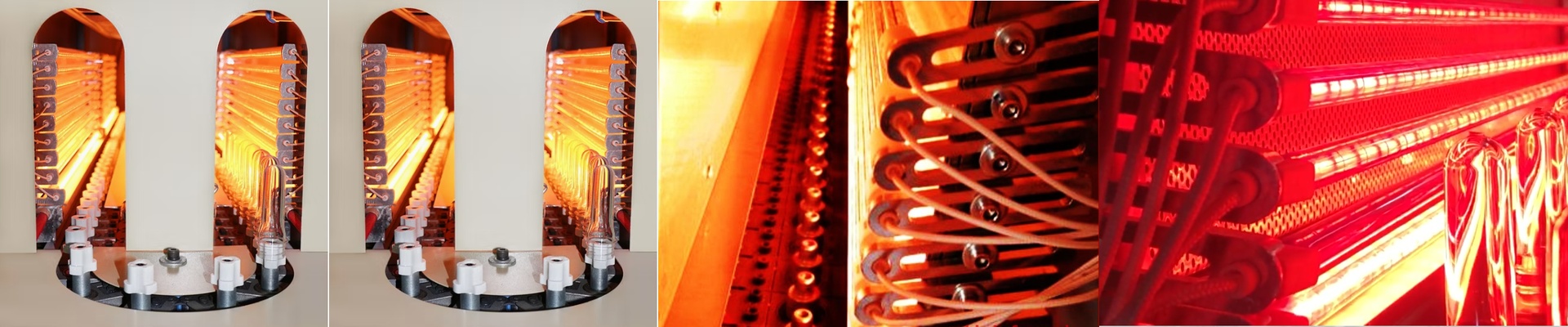
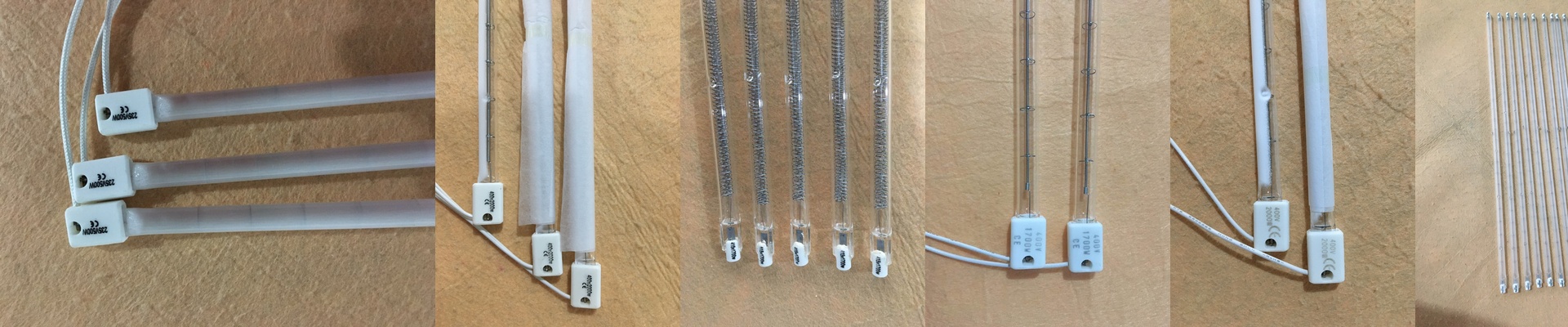
If you’re running high-speed PET lines—especially those SIG Blomax 6 or SIPA rotary machines—you know the headache of uneven preform heating. One minute everything looks great, and the next, you’ve got wall thickness issues or bottles that just look… wrong. Most of the time, the culprit is “power drift.” It happens when you swap in replacement lamps that don’t actually match the original OEM specs. It sounds like a small detail, but it’s a huge problem. Why “Close Enough” Isn’t Good Enough Here’s the thing: infrared heat is picky. If your machine expects a specific voltage and wattage, but you pop in a lamp that’s off by even 5%, the heat spectrum shifts. Suddenly, you’ve got cold spots in your preforms. We build our lamps to hit 100% power parity. We obsess over the filament density and the thickness of the quartz so the heat stays consistent from one end of the tube to the other. No gaps. No surprises. The Gear We use a high-grade quartz envelope because these things take a beating with all that rapid thermal cycling. And because nobody wants to spend their weekend rewiring sockets, we use standard R7s or SK15 connectors. They just slide right in. Plus, we’ve calibrated the halogen cycle to stop the filament from evaporating. Cheap lamps usually fail here—they either burn out way too early or just start losing their brightness after a few hundred hours. Ours actually last. Real Talk from the Shop Floor When your power is matched, the “hunting” stops. You know what I mean—that frustrating cycle where your operators are constantly tweaking the oven settings just to keep up with aging tubes. It’s a waste of time. One quick tip, though. When you’re pushing these lamps to their max, your cooling blowers have to work harder. If your fans are clogged with dust or starting to fail, the oven gets too hot, and you might end up overheating the preform necks. Keep your airflow clean, and these lamps will do the heavy lifting for you.